On Budtello, Oregon's wholesale cannabis marketplace, you can cancel a showing you requested any time before the farm confirms, right from the Showings tab.
How to do it
- Open the Showings (on a phone, tap the icon at the top) tab and find the lot under You asked for, marked Waiting on seller
- Press Cancel on that card
- Press Cancel it to confirm
- The card now reads Cancelled
Video
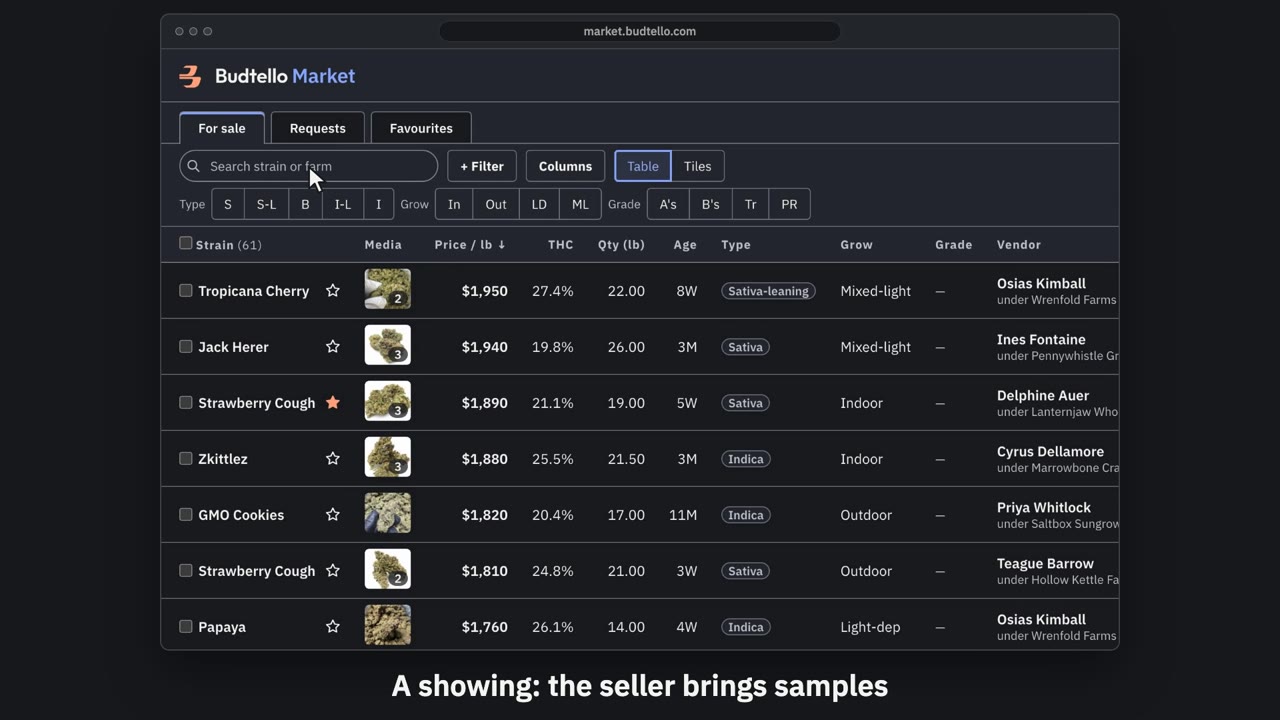
Request to see lots · 0:49
Video transcript
How to ask a seller to show you lots. Want to see lots before you buy? Ask for a showing: the seller brings samples. Tick each lot you want to see. Then press Request to see. You get one card for each seller. In My target, type the price you hope to pay a pound. Pick a day and time, Pacific. Send request. Now it waits on the seller: forty-eight hours to accept your target, counter, or keep the list price. A price you agree is yours for seventy-five days. The full guides are in Budtello's help pages.
Good to know
- A showing marked Waiting on seller or Confirmed can be cancelled from your side at any point before the visit
- Cancelling clears the hold so you can request the same lot again later